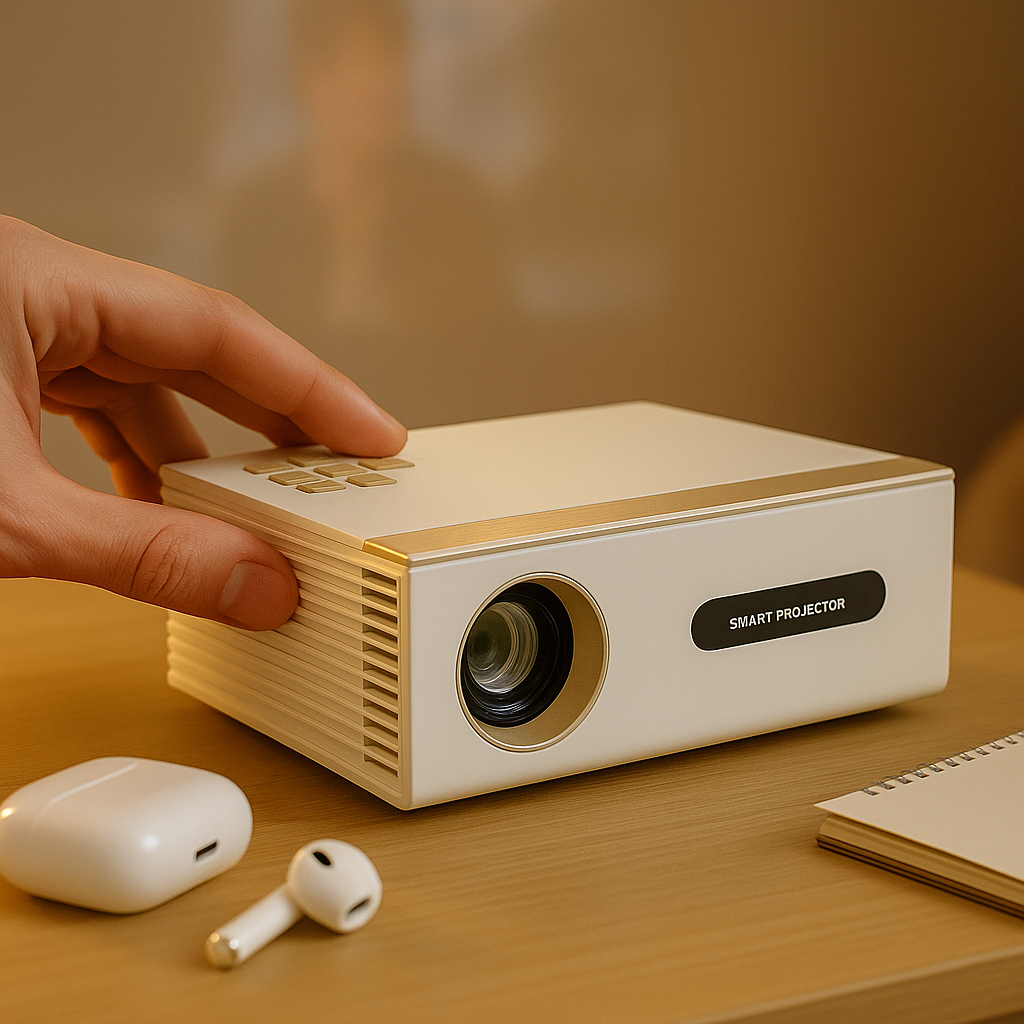

A projector can look incredible at 100 inches and terrible at 100 inches. The difference is usually not the projector alone. If you want to choose projector screen size distance correctly, you need to match three things that people often treat separately: how far the projector sits from the screen, how far you sit from the image, and what you actually watch on it.
That matters because bad sizing creates the exact problems buyers blame on the projector. Text looks soft. Brightness feels weak. Faces look washed out. Kids sit too close. Meeting-room slides turn into squinting contests. Screen size is not just a style choice. It changes the whole experience.
Choose projector screen size distance by starting with the room
Most people start with the biggest image they think will fit. That is backwards. Start with the room, then work toward the screen size the room can support.
First, measure the wall width and height you can realistically use. Ignore the fantasy version of the room. Count the soundbar, console, fireplace, windows, shelves, and the fact that a portable projector may not sit exactly where a permanent ceiling mount would. If the room is multipurpose, leave space for daily life.
Then measure two distances. The first is projector-to-screen distance, which determines whether your projector can physically produce the image size you want. The second is viewer-to-screen distance, which determines whether that size will feel comfortable. These are not interchangeable, and confusing them is where a lot of bad advice starts.
For example, a bedroom setup with the projector on a nightstand has very different limits from a dedicated living room mount. A UST model placed near the wall changes the math again. In an office, seating may be fixed by a conference table, so screen size has to support text clarity from the farthest chair, not just the closest one.
Screen size is about comfort, not bragging rights
Bigger is not automatically better. If you sit too close to a massive image, movies can feel overwhelming and presentations become tiring. If you go too small, you lose the reason people buy a projector in the first place.
A good rule is to work from viewing comfort first. For movies and streaming, many people enjoy a more immersive image. For spreadsheets, slides, and classroom content, readability matters more than cinematic impact. That means the right screen size distance for Netflix is not always the right one for quarterly reports.
Here is the practical way to think about it. If your main use is movies in a bedroom or living room, a larger image can work well as long as viewers are not forced too close. If your main use is presentations, online lessons, or text-heavy content, be more conservative. Sharp text across the whole screen matters more than stretching to the biggest diagonal possible.
This is also where cheap-projector marketing misleads buyers. A seller may claim a huge maximum image size, but that does not mean the image stays bright, clear, or pleasant at that size. Maximum image size is one of the least useful numbers in projector shopping when taken out of context.
How throw distance affects screen size
When people ask how to choose projector screen size distance, what they often need is a basic understanding of throw. Throw distance is the space between the projector lens and the screen. That distance, combined with the projector's lens design, determines image size.
Standard and long-throw projectors usually need more room to create a large image. Short-throw models can create a big picture from much closer. Ultra short throw projectors sit very close to the wall or screen and are ideal when floor space is limited or when you want a cleaner, TV-like layout.
This is why two projectors in the same room can produce completely different results. One may fill a 120-inch screen from the back of the room. Another may need to sit on a coffee table. Another may only make sense near the wall. None of that is good or bad by itself. It just has to match the room.
If you are using a portable projector, remember that convenience has physical limits. Battery-capable, wireless projection is fantastic for room-to-room use, but placement flexibility still depends on throw ratio, keystone limits, and available surfaces. You cannot fix every mismatch with digital correction.
Why your seating distance matters just as much
The screen can fit the wall and still be wrong for the people watching it. Seating distance affects eye comfort, detail perception, and whether text remains readable.
For entertainment, sitting too far from a small screen wastes image detail. Sitting too close to an oversized image can make viewers scan the picture instead of relaxing into it. For office use, the issue is harsher: if the farthest seat cannot read small text comfortably, the screen is undersized, the projector lacks real clarity, or both.
Parents should pay attention here too. Bigger is not automatically easier on the eyes if children end up parked a few feet from the screen because the room layout leaves no better option. A safer, more comfortable setup usually comes from balancing image size with natural seating positions, not from chasing the largest diagonal on the product page.
Common room-by-room sizing decisions
In bedrooms and small apartments, 80 to 100 inches often lands in the sweet spot, especially when viewers are relatively close and the projector may need to move. That size can feel properly cinematic without forcing awkward placement. If you have a short-throw or UST setup, you may be able to go larger, but only if the wall, furniture, and seating all support it.
In living rooms, 100 to 120 inches is often realistic if you have enough throw distance and better control over seating. But bright-room use changes the conversation. As image size increases, brightness gets spread over a larger area. So a screen size that works beautifully at night may look flat during the day unless the projector has real brightness and the screen is matched properly.
For office and classroom setups, think less about diagonal size and more about the farthest viewer and the smallest text. A moderate screen size with stronger text clarity is better than a giant image that looks impressive in photos but fails in actual meetings.
The screen itself changes the answer
People often treat the projector as the whole system. It is not. The screen changes how size and distance perform in real life.
A plain white wall can be acceptable for casual use, but once screen size grows, flaws become easier to see. Texture, uneven paint, and poor color consistency start working against the projector. A proper screen gives you a flatter, more consistent image and makes your setup more repeatable.
In bright rooms, ALR screens can make a meaningful difference, but they are not magic. They help reject ambient light from certain directions, which can improve contrast and daytime usability. They do not turn an underpowered projector into a daylight beast. Again, this is where real-world testing matters more than inflated claims.
UST projectors are especially screen-sensitive. Many perform best with screens designed for their projection angle. If you ignore that, you can end up blaming the projector for problems caused by the wrong surface.
Mistakes people make when they choose projector screen size distance
The first mistake is choosing based on maximum size claims. The second is ignoring the projector's actual throw range. The third is forgetting that brightness, clarity, and room light all get tougher as screen size grows.
Another common mistake is using keystone correction as a lifestyle plan instead of a setup adjustment. Heavy digital correction can reduce image quality and create geometry issues, especially with text. If the room forces extreme angles, the better fix is usually choosing a projector type that suits the space more naturally.
One more trap is copying someone else's setup without copying their room. A 120-inch screen in one living room may be perfect. In another, it may mean the projector sits in the walkway, the image catches ambient light all afternoon, and everyone is craning their neck.
A better way to decide before you buy
Start with your use case. Movie nights, daytime family viewing, portable room-to-room use, near-wall UST installation, or office presentations all lead to different screen-size decisions.
Next, measure your available projector-to-screen distance and your seating distance. Then choose a screen size that fits both, not just one. After that, pressure-test the setup against real life: ambient light, furniture placement, mounting options, and whether the projector will stay put or move around.
This is also the point where a complete system mindset saves money. Projector, screen, and mount should be chosen together. At INNOVATIVE Projectors, that is exactly how we think about setup advice, because a projector that looks good on paper can still disappoint if the screen size and placement are wrong.
A well-sized projector setup does not feel technical once it is dialed in. It just feels easy. The image looks right, the room still works, and nobody is fighting the setup every time they want to watch, present, or play.