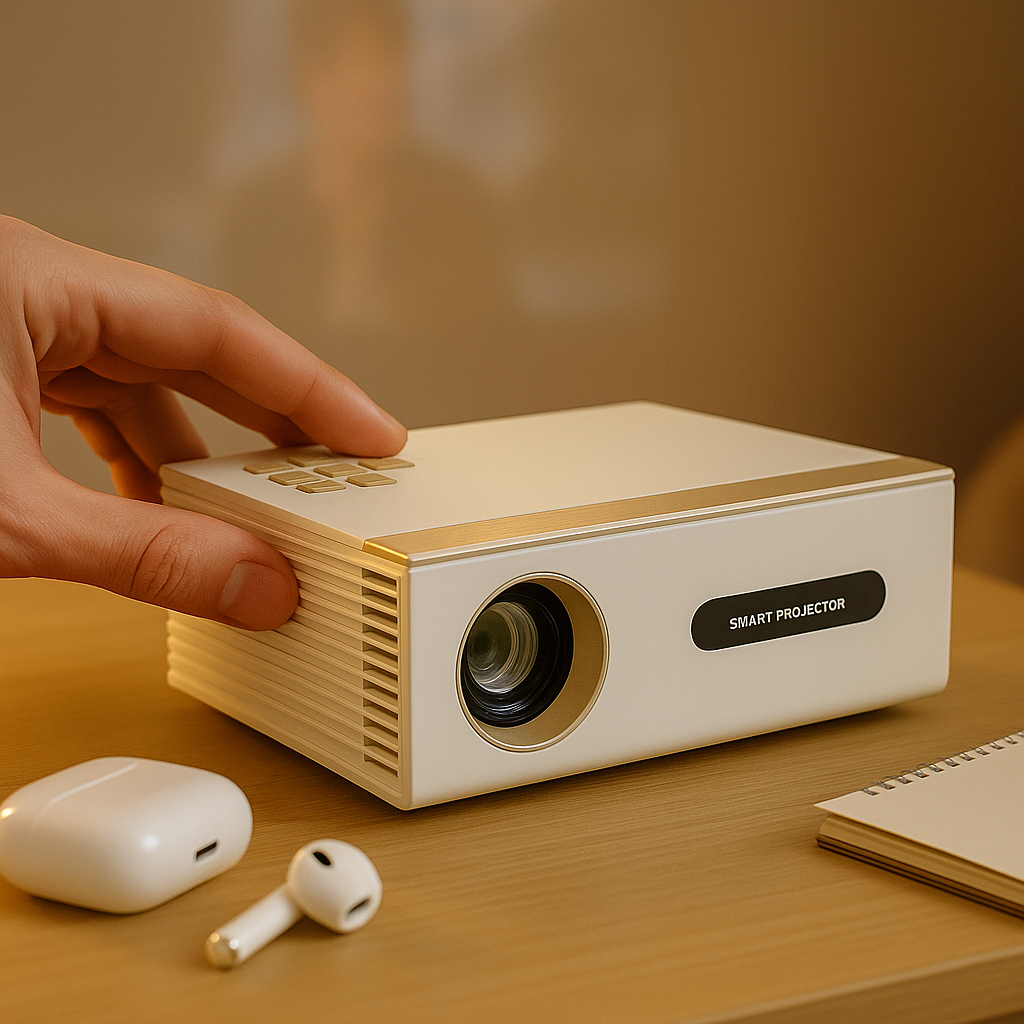

A wireless projector setup sounds simple until the movie stutters, the slides lag, or the app refuses to cast. That is usually where people start searching for how to use projector wirelessly, and the problem is rarely the projector alone. It is usually a mismatch between the projector, the source device, and the way wireless video actually works.
The good news is that most people do not need a complicated setup. You just need to know which kind of wireless connection you are trying to use, what your projector supports, and where wireless still has limits. If you get those three things right, you can stream in the bedroom, move a projector room to room, or run a clean office presentation without dragging HDMI across the floor.
What wireless projection actually means
When people say a projector is wireless, they often mean one of three different things. First, the projector can connect to Wi-Fi so it can run built-in apps or join your network. Second, it can receive screen mirroring from a phone, tablet, or laptop. Third, it can work with a streaming stick or media device without needing a long cable run across the room.
Those are not the same thing, and brands often blur them together. A projector with Wi-Fi is not automatically good at mirroring. A projector with Bluetooth is not sending video over Bluetooth. Bluetooth is usually just for audio, like connecting speakers or headphones. If you keep that straight from the start, setup gets much easier.
How to use projector wirelessly for streaming
If your goal is Netflix, YouTube, Disney+, or sports apps, the cleanest option is usually network-based streaming rather than direct phone mirroring. In plain terms, that means the projector either has built-in apps or uses a streaming device plugged into it, while both devices connect to the same Wi-Fi network.
This is the most reliable approach for home entertainment because the video comes from the app itself, not from your phone trying to push everything live to the projector. It also saves battery on your phone and avoids the common problem where notifications pop up on screen.
Option 1: Use built-in smart apps
Some projectors include a built-in smart platform. In that case, connect the projector to your home Wi-Fi, sign into the apps you want, and stream directly from the projector interface. This is the simplest setup when the software is good.
The trade-off is that projector software varies a lot. Some systems are fast and stable. Others feel underpowered or have limited app support. If the interface is slow or missing a major service, that is not a small annoyance. It changes the whole experience.
Option 2: Use a streaming stick
For many people, a streaming stick is the better answer. Plug it into the projector’s HDMI port, power it from the projector’s USB port or a wall adapter, then connect it to Wi-Fi. Once that is done, the projector becomes the display and the streaming stick handles the apps.
This is often more dependable than built-in apps, especially if you care about speed, app updates, or familiar menus. It is also a smart move if you move the projector between rooms, apartments, or outdoor setups.
How to use projector wirelessly with screen mirroring
Screen mirroring is different from streaming. Instead of the projector running the app, your phone, tablet, or laptop sends its screen to the projector in real time. This is useful for photos, browser tabs, classroom material, quick videos, and casual sharing.
It is less ideal for everything. Mirroring can introduce lag, lower image quality, or app restrictions, especially with copyrighted streaming content. If a service blocks mirroring, that is not a projector defect. It is a platform rule.
From an iPhone or iPad
If the projector supports AirPlay, connect both devices to the same Wi-Fi network. Open Control Center on the iPhone or iPad, tap Screen Mirroring, and select the projector. If prompted, enter the code shown on the projector screen.
If the projector does not support AirPlay natively, you may need a compatible streaming device connected to the projector instead. That often works better than relying on a projector’s stripped-down wireless features.
From an Android phone
Android mirroring depends on the brand of phone and the wireless standard supported by the projector. Look for options such as Cast, Smart View, Screen Share, or Wireless Display on the phone. Then select the projector from the available devices.
The catch is compatibility. Android is not one single system in practice. Different phones handle wireless display differently, so this is where buyers get frustrated. If you plan to mirror often, check support before buying instead of assuming all wireless projectors behave the same.
From a Windows laptop or MacBook
For Windows, many projectors support wireless display through Miracast or a network-based casting app. On the laptop, open display settings or the Connect menu and choose the projector.
For MacBook users, AirPlay is the easiest path when supported. If it is not, you may need a separate device on the projector to receive the cast. For office and classroom use, this matters because not every meeting should start with five minutes of adapter drama.
The setup mistakes that cause most wireless problems
Wireless projection is convenient, but it is not magic. A few predictable mistakes cause most failures.
The first is weak Wi-Fi. If your projector is at the far end of the house, behind thick walls, or outside on the patio with a weak signal, casting performance will drop. Lag and buffering are usually network problems before they are projector problems.
The second is using mirroring when direct streaming would be better. If you want to watch a two-hour movie, use built-in apps or a streaming device. Mirroring is more fragile, and some video apps intentionally limit it.
The third is assuming Bluetooth handles video. It does not. Bluetooth is for audio accessories and remote controls, not full-screen wireless projection.
The fourth is buying based on a feature badge instead of real-world usability. Plenty of low-end projectors advertise wireless support, but the implementation is clunky, unstable, or limited to one outdated app. That is where spec-sheet shopping goes wrong. Features only matter if they work consistently.
Wireless for presentations and office use
At work, wireless projection is less about movie-night convenience and more about reliability. You want people to connect quickly, show readable spreadsheets, and avoid dead time in front of a room.
That changes the buying priorities. Brightness matters more in conference rooms and classrooms. Text clarity matters more than flashy marketing claims. A projector can advertise big wireless features and still be a poor presentation tool if small text looks soft or washed out.
For business use, the best wireless method is often screen sharing from a laptop over a stable local network, or a dedicated presentation device paired with the projector. This gives more predictable results than asking every presenter to improvise with their own phone.
If you present in bright rooms, wireless convenience should never come at the expense of visible content. A clean cable-free setup is nice. Legible charts and readable numbers are the real goal.
When a wired connection is still the smarter choice
There is a reason HDMI still exists. If you care about the lowest latency for gaming, the most stable signal for a long event, or guaranteed compatibility with protected content, wired often wins.
That does not make wireless overhyped. It just means the right setup depends on what you are doing. For casual streaming, bedroom viewing, room-to-room portability, and quick meetings, wireless is excellent. For competitive gaming, mission-critical presentations, or weak-network environments, a cable may still be the better call.
The smart approach is not choosing wireless or wired as a philosophy. It is choosing the one that creates the fewest problems in your actual room.
A simple way to choose the right wireless setup
If you mostly watch streaming apps, use built-in apps or a streaming stick over Wi-Fi. If you mostly share photos, browser tabs, or slides from personal devices, use screen mirroring. If you need maximum stability, keep a wired backup ready.
That sounds basic, but it filters out a lot of bad buying decisions. Too many shoppers end up with a projector that technically supports wireless features but does not fit how they actually watch, present, or move through their space.
At INNOVATIVE Projectors, we see this all the time. People are not asking for more specs. They want fewer cables, fewer setup headaches, and a projector that works the way modern life works.
Wireless projection should feel freeing, not finicky. Start with the use case, ignore the gimmicks, and build around what you actually need on screen. That is usually the fastest path to a setup you will keep using.