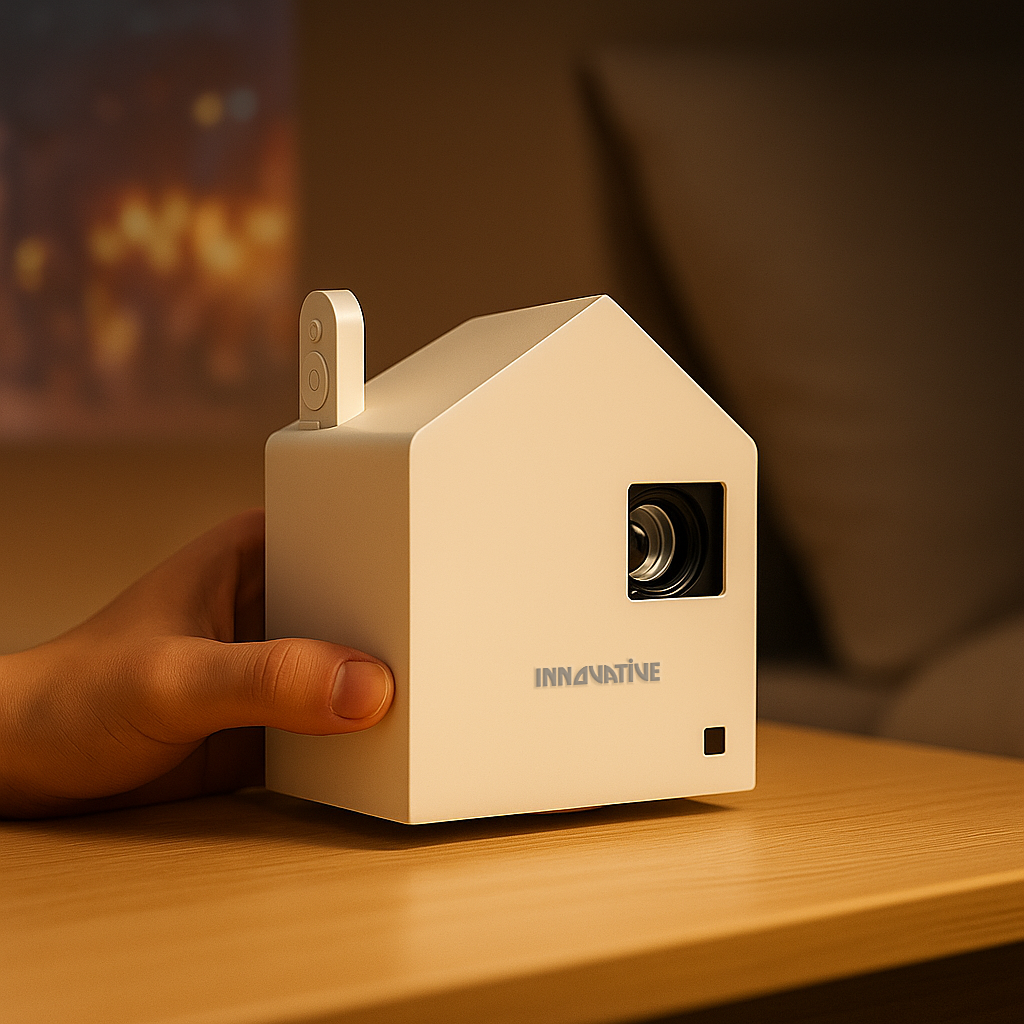

A living room projector usually goes wrong in the same predictable way: someone buys based on a flashy lumen claim, points it at a blank wall, and wonders why movie night looks washed out at 7 p.m. A proper home projector setup guide living room shoppers can actually use starts with the room, not the marketing. Your couch distance, ambient light, wall space, and tolerance for cables matter more than a box full of exaggerated specs.
If you want a setup that feels easy every day, think in terms of viewing habits. Are you watching sports on Sunday afternoons with sunlight coming in? Streaming shows after the kids are asleep? Replacing a TV entirely, or adding a big-screen option for certain nights? Those answers shape the right projector, screen, and placement far more than a random “supports 4K” badge.
Start your home projector setup guide living room plan with the room
The biggest mistake is treating the projector like a standalone gadget. In a living room, it is part of a system. The room decides how large an image makes sense, how much brightness you need, and whether a standard throw or near-wall setup will make your life easier.
Start with your seating distance. If your sofa is about 8 to 10 feet from the screen wall, a 100-inch image often feels immersive without being overwhelming. Push much bigger in a modest room and you may love it for movies but hate it for news, subtitles, and casual daytime viewing. If your seating is farther back, 110 to 120 inches can work well, but only if the room and projector can support it.
Then look at light. A projector in a bright, open-concept living room has a different job than one in a darker den. Daytime viewing is possible, but not with bargain-bin hardware pretending to be bright. Real-world brightness matters, and so does contrast. An overhyped cheap projector can claim huge numbers and still struggle with basic picture punch once sunlight hits the room.
Wall shape matters too. If you have a clean wall opposite the couch, a standard setup may be simple. If you have a fireplace, windows, or furniture interrupting the wall, a ceiling mount, wall tray, or ultra short throw style setup may be the smarter path.
Picking the right projector type for a living room
There is no single best projector for every living room. There is only the projector that fits how you actually live.
A standard throw projector is often the most flexible if you have enough distance from the back of the room or ceiling position to the screen wall. It can deliver strong image size options and works well when you do not mind a mounted unit or a dedicated shelf.
A short throw or near-wall projector makes more sense when space is tight, when you want to avoid casting shadows, or when you do not want a device hanging over the seating area. This can be especially useful in apartments and multipurpose rooms where clean placement matters.
Portable and battery-capable models also deserve a place in the conversation. For some homes, the best living room setup is not permanent at all. If you want a projector you can move between the living room, bedroom, patio, and travel bag, portability may beat a fixed install. The trade-off is that you need to be realistic about brightness and image size expectations, especially for daytime use.
Screen or wall? In most living rooms, the screen wins
People often try to save money by projecting onto a painted wall. Sometimes that is fine for casual use in a darker room. But in a living room, where ambient light and wall imperfections are common, a proper screen usually gives you the jump in image quality you were hoping the projector alone would deliver.
A screen gives you a flatter surface, better perceived contrast, and a more intentional viewing area. It also makes the room feel finished. This matters if the projector is replacing a TV experience rather than serving as an occasional novelty.
If your room gets a lot of ambient light, this is where screen choice becomes critical. An ALR screen can help reject some room light and improve daytime usability, but it is not a magic fix for a weak projector. Good screen selection supports good hardware. It does not rescue bad hardware.
If design matters, a motorized screen can disappear when not in use. In family living rooms, that can be the cleanest solution. If simplicity and budget matter more, a fixed wall or ceiling-mounted screen often offers the best value and consistency.
Placement is where most frustration starts
A projector can have a great picture and still become annoying if placement is wrong. In a living room, convenience is part of performance.
First, decide whether this will be a permanent or semi-portable setup. Permanent setups work best when you want quick, repeatable use with minimal adjustment. A ceiling mount or proper rear shelf can keep the projector out of the way and preserve the image geometry. Semi-portable setups are better if the room changes often, but they require more discipline in placing the unit the same way every time.
Try to position the projector so the lens is naturally aligned with the screen. Too many people rely on keystone correction to fix bad placement. That can help in moderation, but heavy digital correction can soften the image and reduce clarity. If you care about text, sports graphics, or a crisp movie image, physical alignment beats software correction every time.
Ventilation matters too. Do not cram a projector into a tight media console and expect quiet, cool performance. Give it breathing room. Also think about fan noise relative to seating. A projector placed directly above the couch can be fine if it is quiet enough, but in some rooms a rear shelf or near-wall solution feels less intrusive.
Sound can make or break the experience
Picture gets all the attention, but weak audio is what makes many projector setups feel unfinished. Built-in speakers are fine for convenience-first use, casual streaming, or a portable setup. They are rarely the best long-term answer for a primary living room theater experience.
If this is your main big-screen setup, pair the projector with a soundbar or speaker system that matches how you watch. A soundbar is often the easiest upgrade and fits most family rooms without extra complexity. If you already have an AV setup, make sure the projector integrates cleanly with it and that switching sources is not a headache.
Wireless convenience is great when it works well, but wired audio paths still tend to be more stable for fixed installations. This is one of those areas where modern life and reliability sometimes pull in different directions. If you want no-fuss movie night every single time, simple and repeatable wins.
Smart features, streaming, and cable management
The promise of projector living is freedom: no giant black TV panel, no bulky furniture, no mess of devices. But that only happens if your setup stays clean in real use.
If the projector has built-in streaming that is actually responsive, great. If not, an external streaming device may still be the better choice. The goal is not to collect features. The goal is to press play without troubleshooting.
Think through power, HDMI access, and charging before you mount anything. Even wireless-friendly setups need some planning. A ceiling-mounted projector with ugly dangling cables can make a polished room look unfinished. In contrast, a well-routed install feels almost invisible.
If portability matters, battery capability changes the equation. It can reduce clutter and let you use the projector where you want rather than where the outlet happens to be. Just be honest about runtime and brightness trade-offs. Battery-powered convenience is excellent for flexible viewing, but it is not always the answer for long, bright, every-day living room use.
The practical setup sequence that saves time and money
Before you buy, measure the room. Measure the wall, the seating distance, and the light conditions at the times you actually watch. Not ideal conditions - real ones.
Next, choose the image size you want from the couch, then confirm the projector can produce that size from a realistic placement position. After that, decide whether a screen is part of the budget from day one. For many living rooms, it should be.
Then plan your mounting or furniture solution before the projector arrives. This is where many setups become permanently awkward. A good projector on a temporary coffee table is usually a short-term compromise, not a finished system.
Finally, test content you really use. Movies are obvious, but also check sports, streaming menus, subtitles, and if relevant, presentation text. At INNOVATIVE Projectors, that real-world approach matters more than spec-sheet theater because living rooms are not labs. They are bright, busy, shared spaces where convenience and picture quality have to coexist.
A great living room projector setup is not the one with the most impressive product page. It is the one your household actually uses without complaints, cable chaos, or washed-out disappointment. Build for the room you have and the habits you keep, and the big-screen experience starts feeling effortless.