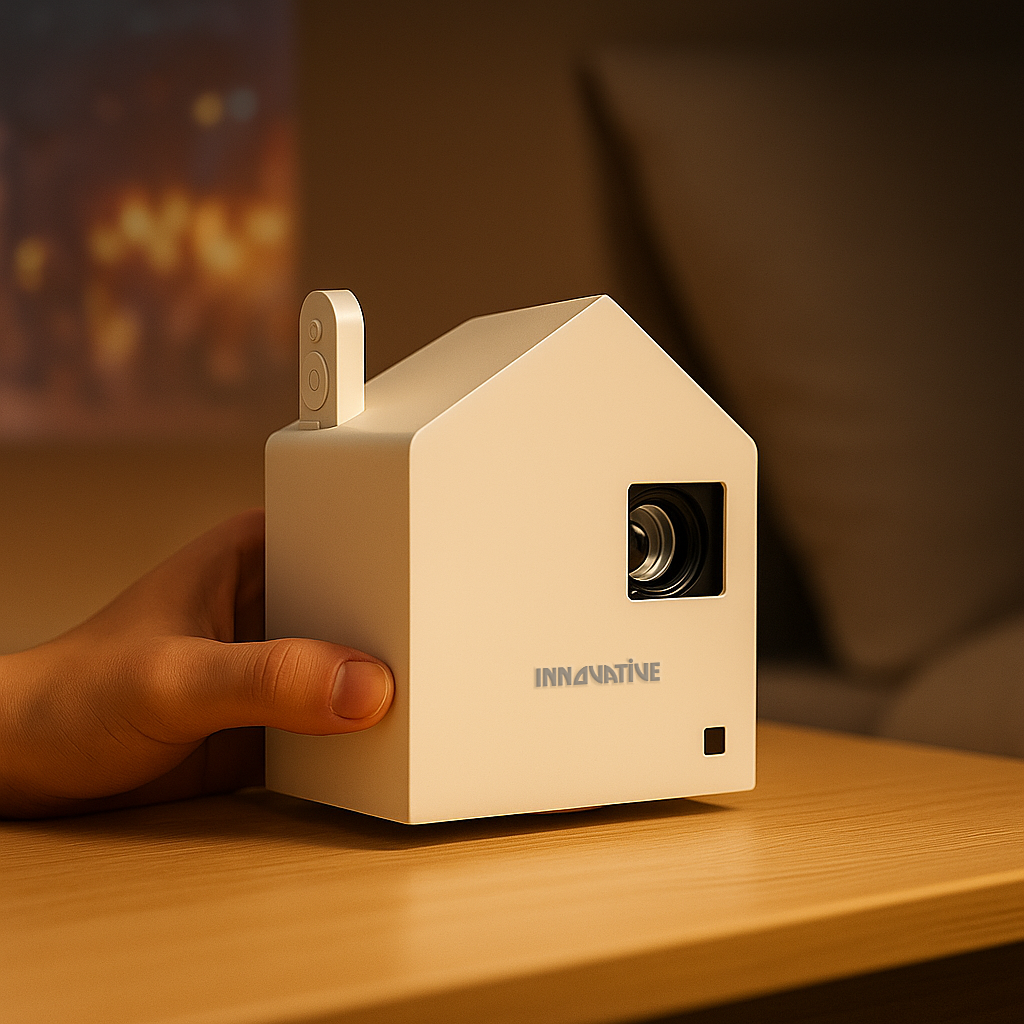

You notice the problem the first night you try it. The projector says it is wireless. Netflix is on your phone. The room is ready. Then the app refuses to mirror, the image stutters, or the projector looks dim and washed out once the movie starts. That is why choosing a wireless projector for Netflix streaming is less about marketing claims and more about how the system works in a real room.
A lot of shoppers get pushed toward cheap projectors that promise everything at once - Wi-Fi, Bluetooth, huge screen size, massive brightness, built-in apps, and rock-bottom pricing. That combination usually falls apart fast. Netflix is one of the easiest ways to expose weak hardware, poor software support, and inflated spec sheets. If your goal is movie night without cables and headaches, you need to know what actually matters.
What a wireless projector for Netflix streaming really needs
The first thing to clear up is that wireless can mean different things. Some projectors let you cast from a phone or laptop. Some run a smart operating system with Netflix support built in. Others connect wirelessly for audio but still need an HDMI streaming stick for reliable video. Sellers often blur these distinctions because the word wireless sounds simple.
For Netflix, simplicity usually comes from one of two setups. The first is a projector with a streaming platform that supports Netflix properly. The second is a projector paired with a dedicated streaming device, while the projector itself handles Wi-Fi, Bluetooth audio, and easy placement. In practice, the second option is often more reliable because Netflix has strict app certification rules, and many bargain projectors do not meet them.
That is the part many listings skip. A projector can advertise screen mirroring and still be a bad Netflix machine. DRM restrictions often block direct playback from mobile devices, especially from iPhones and some Android apps. If a projector depends on phone mirroring alone, there is a good chance Netflix will not work the way you expect.
Why built-in Netflix is not always the win it sounds like
Built-in apps sound cleaner. No extra devices, no extra cables, no setup friction. Sometimes that is true. But on lower-end projectors, app support is often where the experience starts to crack.
The issue is not just whether Netflix opens. It is whether the app is officially supported, whether the interface is responsive, whether updates keep coming, and whether video playback stays stable over time. An underpowered smart system can make a decent projector feel cheap every time you press play.
This is why a good wireless projector for Netflix streaming is not automatically the one with the longest smart feature list. It is the one that gives you dependable access to Netflix with stable playback, clean image processing, and enough brightness for your room. If that means using a premium streaming stick in one HDMI port, that is not a compromise. It is often the smarter setup.
Brightness matters more than most shoppers realize
Netflix content tends to expose weak brightness quickly, especially in living rooms and bedrooms where you are not watching in perfect blackout conditions. Dark scenes look muddy on underpowered projectors. Skin tones lose depth. Everything starts to feel flat, even if the advertised resolution sounds impressive.
This is where spec-sheet shopping gets dangerous. Many low-cost projectors use inflated lumen numbers that do not reflect real-world viewing. On paper, they can look brighter than far better models. In actual use, they are nowhere close. The result is predictable: buyers think they are getting a big cinematic image, then end up with a gray rectangle that only works in near-total darkness.
For Netflix streaming, brightness should be matched to your room, not to fantasy claims. A bedroom projector can work beautifully with moderate brightness if you mostly watch at night. A living room setup with ambient light needs more output and better contrast control. If you plan to watch sports, family movies, or series during the day, the screen choice matters too. A better projector paired with the right screen will outperform a louder spec sheet every time.
Wi-Fi stability is part of picture quality
People tend to separate image quality from connectivity, but with streaming they are tied together. If the Wi-Fi connection is unstable, Netflix drops resolution, buffers at the wrong moment, or turns a smooth movie night into constant troubleshooting.
A projector that sits far from the router, relies on weak antennas, or has poorly optimized software can struggle even if your home internet is fast. This matters even more in apartments, shared buildings, and homes with congested wireless networks. The projector is not just displaying video. It is part of the streaming chain.
That does not mean every buyer needs enterprise-grade networking. It means you should think about placement. If the projector is moving room to room, portability is great, but a stable signal still matters. If your setup is fixed, it is worth building around consistency instead of chasing the thinnest, cheapest option.
Sound can ruin the experience faster than resolution can
A lot of Netflix shoppers ask first about 1080p versus 4K. Fair question. But if the built-in speakers are weak, thin, or harsh, the overall experience falls apart long before resolution becomes the limiting factor.
Dialogue-heavy shows, action movies, and family content all benefit from fuller sound. Some wireless projectors support Bluetooth audio well enough to connect to a soundbar or portable speaker without much fuss. Others introduce lag, inconsistent pairing, or volume sync issues. That is why audio support should be part of the buying decision, not an afterthought.
For a bedroom projector, decent onboard audio may be enough. For a living room or shared family space, external sound usually makes a much bigger difference than the jump from good Full HD to entry-level 4K. It depends on how you watch, how large your image is, and whether you care more about cinematic impact or quick convenience.
Portable versus permanent: choose the lifestyle first
This is where good projector buying gets easier. Instead of asking for the best projector in the abstract, ask what kind of Netflix viewer you are.
If you want a room-to-room projector, battery capability, fast setup, and no complicated install, portability becomes a core feature. You may accept a smaller image, shorter throw flexibility, or a darker-room viewing habit in exchange for freedom. That trade-off makes sense for apartment living, casual bedroom use, dorms, and outdoor evenings.
If you want a permanent movie setup in a common room or living room, then brightness, fan noise, placement options, and screen pairing matter more. A projector that stays mounted or anchored to one space can deliver a cleaner and more repeatable result. It may be less romantic than the idea of carrying your cinema everywhere, but it usually performs better.
Near-wall and ultra short throw setups deserve special mention here. For smaller homes and apartments, they can solve a lot of placement problems while keeping the room tidy. They are especially useful when you want a big-screen feel without running cables across the floor or placing a projector in the middle of the room.
The myths that trap Netflix projector buyers
One myth is that wireless means no accessories. In reality, the best experience sometimes includes a streaming device, a proper screen, or an external speaker. That is not a failure of the projector. It is how you build a system that works reliably.
Another myth is that Netflix on a projector is the same as Netflix on a TV. It can be just as enjoyable, and often more immersive, but it asks more from the room. Wall color, ambient light, throw distance, and sound all matter more once you move to a large projected image.
The biggest myth is that specs alone tell the story. They do not. Real-world testing matters. So does text clarity if the projector will pull double duty for office use, classes, or presentations. So does software stability. So does whether the image still looks good after the excitement of the first setup wears off.
How to shop smarter for a wireless projector for Netflix streaming
Start with your room and your habits. Night-only bedroom viewing is different from daytime family use. A portable setup is different from a near-wall install. If Netflix is your main use, prioritize certified app support or a reliable streaming-device setup over vague casting claims.
Then check brightness with a healthy level of skepticism. If a budget projector sounds too bright for the price, it probably is. Look for brands that talk about real-world performance instead of trying to win with inflated numbers.
Finally, think beyond the projector body. The right screen can improve contrast and perceived brightness. The right mount can make daily use easier. The right speaker can make the whole system feel finished. At INNOVATIVE Projectors, that full-room thinking is what separates a good demo from a setup you still enjoy six months later.
A wireless Netflix projector should make your life easier, not turn movie night into tech support. Buy for the room, the use case, and the experience you want to repeat.