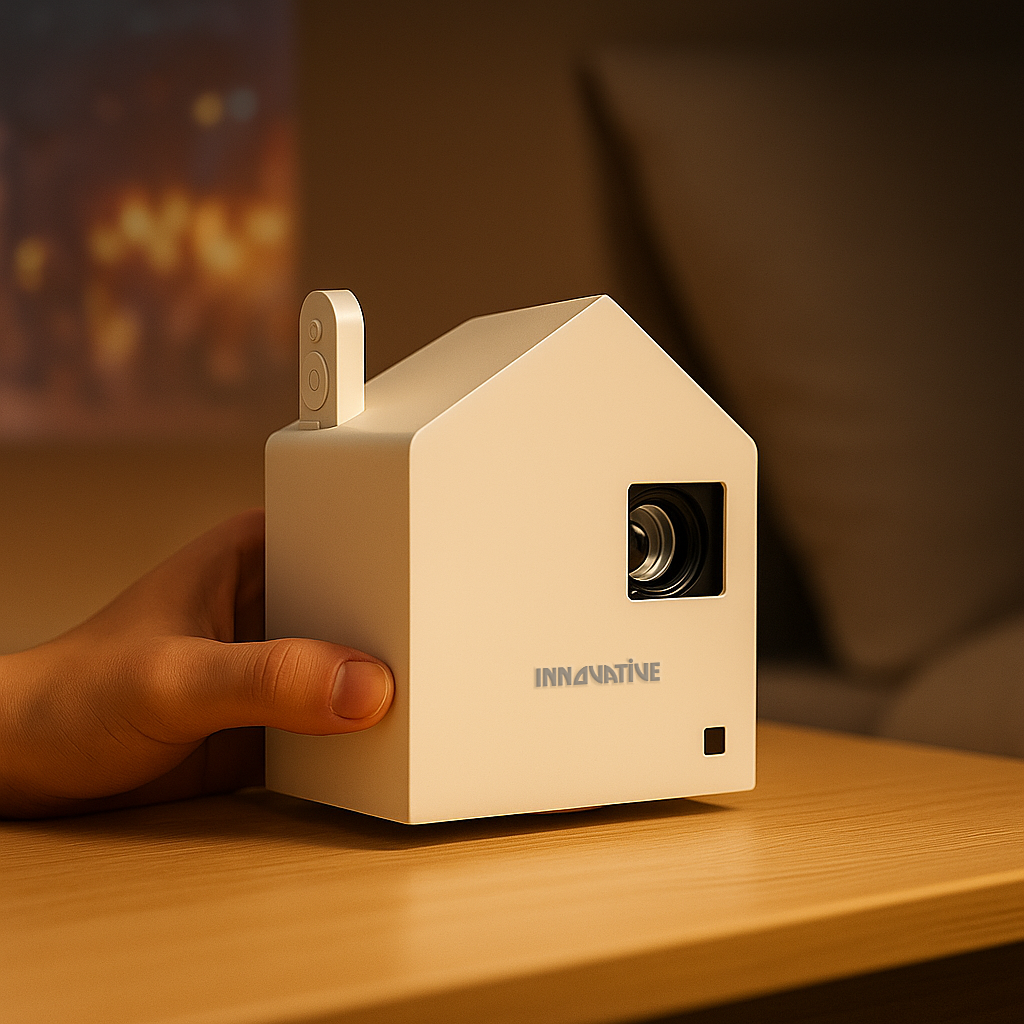

A projector that makes a movie look acceptable can still make a quarterly forecast unreadable. That is the costly mistake behind many office purchases: choosing for a big image, then discovering that spreadsheets blur, colors wash out under ceiling lights, and every meeting begins with a cable hunt. This office projector buying guide focuses on what working teams actually need: readable text, honest brightness, quick setup, and dependable performance from one meeting to the next.
What an Office Projector Must Do Well
An office projector is a communication tool first. It has to show small type, charts, video calls, dashboards, and presentations to people sitting at different distances from the screen. Image size matters, but clarity at that size matters more.
Start with the room, not a marketplace listing. A small huddle room with controlled lighting has completely different needs from a training room with windows on two walls. A portable projector may be ideal for a team that moves between rooms, while a permanently installed model makes more sense where the display is used all day.
The goal is not to buy the projector with the biggest number printed on the box. It is to buy one that remains useful when the lights are on, the slides use small fonts, and a presenter needs to start within minutes.
Office Projector Buying Guide: Start With the Room
Measure the usable wall or screen area, the distance from the projector location to the image, and the room's ambient light. Then think about where people sit. A 120-inch image sounds impressive, but it can be counterproductive in a narrow meeting room if viewers must turn their heads or if the projector cannot produce enough light to support it.
A simple rule works well: more uncontrolled daylight requires either a brighter projector, a smaller image, better window treatment, or a combination of all three. No projector can defeat direct sunlight pouring across a white wall. Claims suggesting otherwise are usually selling fantasy, not a dependable meeting-room solution.
Brightness: Ignore Inflated Lumen Claims
Brightness is where budget projector marketing gets especially misleading. Some brands use vague lumen figures that are not comparable to recognized ANSI lumen measurements. A huge number can look persuasive online and disappoint immediately in a real conference room.
Look for honest, tested brightness measurements and evaluate them against your room. For a dim huddle room, moderate brightness may be enough. For a meeting space with overhead lighting and window light, you need more output and a screen that supports the setup. Brightness should also be judged alongside color accuracy and contrast. A projector can be bright but still produce weak, gray-looking slides if its color performance is poor.
Do not solve every brightness concern by buying the highest-output model available. Very bright projectors can cost more, run louder, and may be unnecessary in a controllable room. Match the output to the environment instead of paying for power you will never use.
Text Clarity Is More Than Resolution
For office work, native resolution matters. Full HD is often sufficient for standard presentations, video calls, and typical slide decks. If your team regularly shares dense spreadsheets, detailed design work, financial models, or multiple windows at once, 4K can provide a noticeable advantage.
Still, resolution alone does not guarantee readable text. Lens quality, focus consistency across the image, image processing, contrast, and projector placement all affect what people see. A low-cost 1080p projector may technically have the right resolution while rendering the corners soft or fine lines unstable. That is why text-clarity testing in a real room is far more useful than comparing resolution labels.
Ask a practical question before buying: can someone at the back of the room read the smallest text your team normally presents? Test with an actual spreadsheet or dashboard, not a promotional demo image with oversized type.
Choose the Right Throw Distance and Placement
Throw distance determines how far the projector sits from the screen for a given image size. It is one of the easiest details to overlook and one of the hardest to fix after purchase.
A standard-throw projector needs more distance, which can work well in larger rooms or ceiling-mounted installations. A short-throw model creates a large image from closer range, reducing the chance that a presenter walks through the beam. Ultra-short-throw models sit very close to the wall or screen and can be excellent where ceiling mounting is impractical, although they demand a flat projection surface and careful alignment.
Avoid relying on aggressive digital keystone correction to make a projector fit an unsuitable location. Keystone can be convenient for occasional portable use, but heavy correction reduces the active image area and can compromise sharpness. Physical placement, optical zoom, and lens shift are better solutions for a permanent room.
If the projector will travel between rooms, choose a compact model that can be aligned quickly. If it will stay in one place, a ceiling mount or wall tray creates a cleaner, more repeatable setup and keeps the table free for people rather than equipment.
Connections Should Support Real Meetings
Wireless projection is useful because it lets presenters share without passing around a cable or standing beside the projector. It is especially helpful in flexible spaces and hybrid workplaces. But wireless should not mean wireless only.
Keep a reliable wired connection available for guests, secure networks, high-resolution content, and those moments when the office Wi-Fi is overloaded. HDMI remains a practical fallback, while USB-C can be valuable for modern laptops when the projector supports it properly. Check compatibility with the computers and meeting platforms your team already uses rather than assuming every USB-C port behaves the same way.
For video calls, consider how audio will work. Built-in speakers can handle a small room, but they are rarely the best answer for a larger training space. If calls are central to the room's purpose, plan for the projector, camera, microphone, and room audio as one system.
Screen, Wall, and Mounting Are Part of the Purchase
Projecting onto a beige wall, textured paint, or glass-board surface will reduce contrast and make small text harder to read. The projector gets blamed, but the surface is often the real problem.
A proper screen gives the image a consistent, neutral surface. In rooms with ambient light, an ambient-light-rejecting screen can improve perceived contrast when paired with the right projector and placement. It is not a magic fix for a sunlit room, but it can make a meaningful difference in a managed environment.
For portable teams, a portable screen may be the most practical companion. For a dedicated conference room, a fixed-frame, wall-mounted, or motorized screen usually looks more professional and eliminates setup time. The same thinking applies to mounts: a stable installation protects alignment, reduces trip hazards, and makes every meeting easier to start.
A Practical Buying Process for Office Teams
Before comparing models, answer these four questions with the people who use the room:
1. How much light enters the room during the meetings that matter most?
2. What is the smallest text, spreadsheet, or design detail people need to read?
3. Will the projector stay installed, or move between rooms and locations?
4. Which laptops, wireless sharing methods, and backup cables must work on day one?
Use those answers to narrow the category first, then compare image quality and features within that category. A bright-room projector, a portable battery-capable unit, and an ultra-short-throw installation projector can all be good products. They are not interchangeable solutions.
If possible, see the projector with your own content before committing. Use a slide deck with charts, a spreadsheet with typical font sizes, and a video call feed. This exposes the gap between an attractive spec sheet and real-world performance faster than any product description can.
The best office projector is the one your team does not have to think about. When the image is clear, the room is correctly planned, and there is a reliable connection ready, the technology fades into the background and the meeting can get on with its actual work.