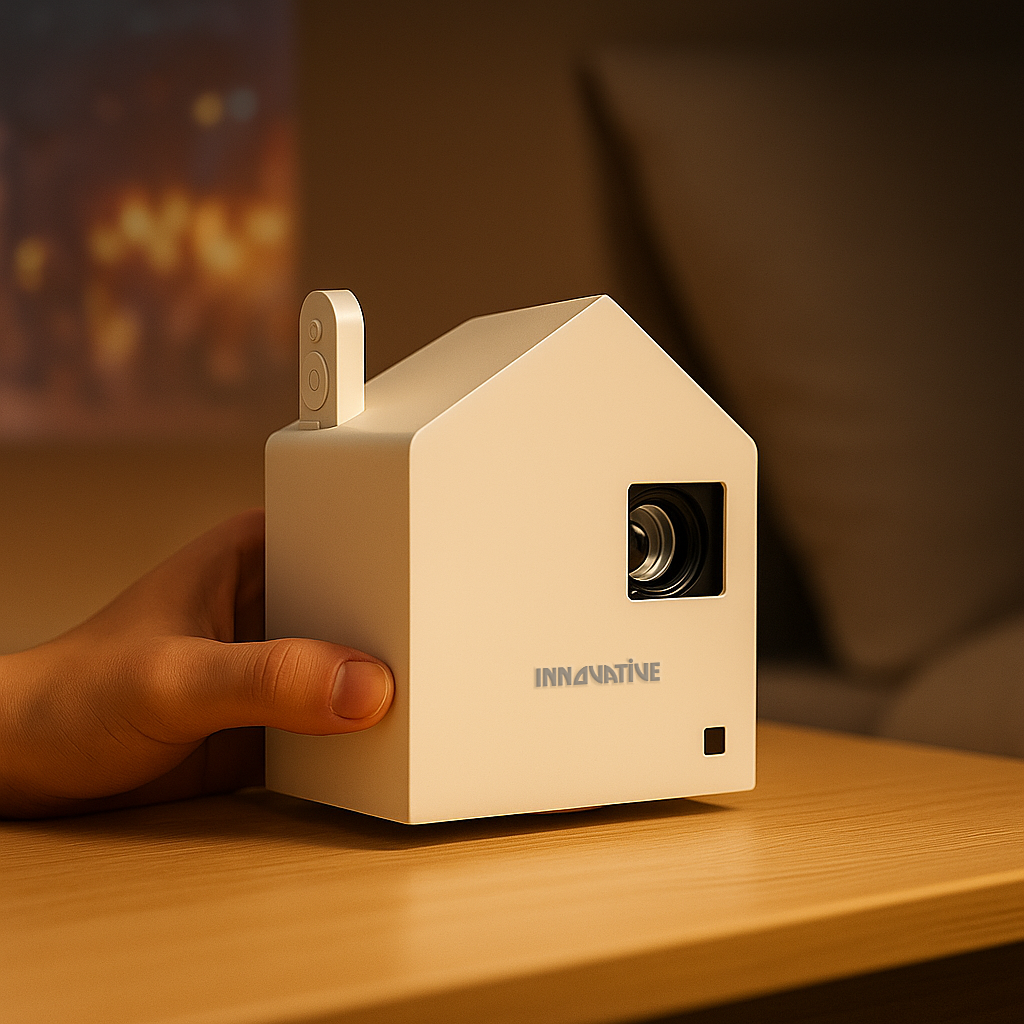

A projector can look spectacular in a dark showroom and disappointing in the room where you actually plan to use it. That gap is why a projector brightness buying guide should start with your space, not the biggest number on a marketplace listing. Window direction, screen size, wall color, and what you watch all matter more than a dramatic claim printed on a box.
Brightness is not a race to buy the highest number. It is about getting a clear, comfortable image for your real routine - movie nights in the bedroom, sports in a sunlit living room, portable backyard viewing, or readable slides in a meeting room.
First, Ignore Inflated Lumen Claims
The word “lumens” gets used loosely, and that creates expensive mistakes. Some low-cost projectors advertise figures in the tens of thousands of lumens, then produce an image that only works after sunset with every light turned off. Those numbers are often LED lumens, lux, or a seller-created measurement rather than a standardized brightness rating.
For meaningful comparisons, look for ANSI lumens or an equivalent independently stated standard. ANSI lumens measure the light output across multiple points of the image, making them much more useful than marketing language. Even then, brightness is only one part of performance. A projector with honest output, good contrast, accurate color, and a capable lens will often look far better than a supposedly brighter model with weak optics.
Here is the myth worth dropping: more claimed lumens does not automatically mean a better daytime image. Real brightness, image processing, contrast, screen choice, and placement have to work together. If a listing cannot clearly explain how its brightness was measured, treat its headline number with caution.
Projector Brightness Buying Guide: Start With Your Room
A dark bedroom, a family room with sheer curtains, and a glass-walled conference room are different projection environments. Buying the same brightness level for all three is how people end up either overspending or constantly fighting a washed-out image.
Dark rooms and bedroom cinema
For a room where you can dim the lights and control the blinds, moderate brightness is usually enough. At a sensible screen size, around 1,000 to 1,500 ANSI lumens can deliver a satisfying movie image. Many people assume a darker room always calls for the brightest available projector. In practice, excessive brightness in a small, fully darkened room can make dark scenes look gray and become tiring during long viewing sessions.
This is where image quality deserves equal attention. Native resolution, black levels, color accuracy, and quiet fan operation can matter more than chasing an extra few hundred lumens. If you want the projector to move from bedroom to patio or room to room, a portable wireless model with battery capability may be the more useful choice, even if it is not the brightest option in the lineup.
Living rooms with some ambient light
A typical living room has lamps, reflected light from pale walls, and daylight leaking around curtains. For movies, streaming, and casual sports viewing, roughly 1,500 to 2,500 ANSI lumens is often a practical range. The right choice depends on whether you can darken the room at the time you watch.
Screen size changes the equation quickly. A projector that looks punchy at 100 inches will look less bright at 135 inches because the same light is spread across a larger surface. If you want a very large image and plan to leave lamps on, step up in real brightness or reduce the image size. Bigger is not always better if it means losing color and detail.
Bright rooms and daytime sports
Daytime viewing requires an honest conversation about light. Direct sunlight and projection are not friends. Even a powerful projector cannot fully overpower a room with uncovered windows and sun hitting the screen wall.
For a bright room with controlled daylight, aim for approximately 2,500 to 3,500 ANSI lumens or more, depending on image size. Add blackout shades when possible, and position the screen away from direct light. A higher-gain or ambient-light-rejecting screen can help preserve perceived contrast, but it is not magic. It improves a managed room; it does not turn a sunroom into a commercial cinema.
The best bright-room setup combines sufficient projector output with practical light control. That may mean closing blinds for the game, using a motorized screen at night, or choosing a smaller image during the day. The goal is visibility without sacrificing the rich color that makes projection worth choosing.
Offices, classrooms, and presentations
Business projection has a different standard. A movie can still be enjoyable when it is slightly soft or dim. A spreadsheet cannot. Fine text, charts, and video calls demand usable brightness plus strong text clarity, accurate focus, and consistent performance across the screen.
For a small meeting room with overhead lighting, 3,000 ANSI lumens is a sensible starting point. Larger rooms, brighter lighting, and bigger screens may call for 4,000 ANSI lumens or more. Resolution matters here as much as brightness. A bright low-resolution projector can make a presentation visible but frustrating to read. Choose a model tested for text clarity, especially when teams share detailed documents, dashboards, or design work.
Screen Size Is Your Brightness Control
Most buyers focus on the projector and forget the surface receiving the image. Yet the screen is one of the fastest ways to improve what you see.
A white wall may work for casual use, but wall texture, paint sheen, and uneven color can reduce sharpness and contrast. A proper projection screen creates a more uniform image and makes the projector’s available light work harder for you. For portable setups, a portable screen can transform an outdoor movie night. For a permanent room, a wall-mounted, ceiling-mounted, or motorized screen creates a cleaner installation.
Ambient-light-rejecting screens are worth considering for select bright-room and near-wall setups. Their directional surface helps reject light coming from above or the sides while reflecting the projector’s light toward viewers. They must be paired with the correct projector placement and viewing angle. Put the wrong projector with the wrong ALR screen, and you can introduce hot spots or uneven brightness.
Brightness Has Trade-Offs
A bright projector is useful, but it is not automatically the right projector. Higher-output models can be larger, louder, and more expensive. They may use more power, which matters when portability or battery operation is a priority. In a dark apartment bedroom, the extra cost and fan noise may bring no real benefit.
Color performance can also change at maximum output. Some projectors reach their highest measurement in a bright mode that pushes color accuracy aside. That mode can be useful for a daytime presentation, but it is rarely the setting you want for a cinematic movie. Ask how the projector looks in its normal or accurate picture modes, not only in its brightest possible mode.
Placement is another trade-off. Short-throw and ultra-short-throw projectors solve real space problems by producing a large image from close to the wall. They are excellent for apartments, media consoles, and rooms where a ceiling mount is not practical. But they need a very flat screen or wall, and their brightness should be matched carefully to the room’s ambient light. Convenience does not remove the need for a good projection surface.
A Better Way to Compare Projectors
Before comparing models, write down where the projector will live and when it will be used. Measure the distance available, decide on a realistic image size, and identify the light you cannot control. Then decide what failure would bother you most: a dim daytime image, unreadable work slides, complicated setup, or a projector too heavy to move.
Use those answers to narrow the category. A battery-capable portable projector makes sense for flexible, after-dark viewing. A brighter living-room model fits regular streaming with moderate ambient light. A dedicated bright-room system needs real output, sensible screen selection, and window management. An office projector needs text clarity and dependable connection options before it needs cinema-style black levels.
If possible, see projectors in person and ask to compare them at similar image sizes and with similar room lighting. Side-by-side demos can be misleading when one projector is set to an unusually vivid mode or projected onto a more favorable screen. The useful comparison is the one that resembles your home, classroom, or meeting room.
The right projector should make big-screen viewing feel easy, not turn every movie night or meeting into a battle with cables, blinds, and confusing settings. Choose honest brightness for the room you have, pair it with the right screen and placement, and you will get an image you want to use every day.