
That blurry spreadsheet in a bright conference room is usually not a presenter problem. It is a projector problem. If you are trying to find the best office projector for presentations, the real question is not which model has the flashiest spec sheet. It is which projector keeps text sharp, stays visible with ambient light, and works fast enough that your meeting does not begin with five minutes of cable drama.
A lot of office buyers get pushed toward the wrong machine for one simple reason: projector marketing is full of noise. Inflated brightness claims, vague resolution language, and lifestyle photos taken in dark rooms make almost anything look presentation-ready. In actual offices, you are dealing with overhead lights, glass walls, mixed devices, and presenters who need plug-and-play reliability. That changes what matters.
What actually makes the best office projector for presentations?
For business use, image quality is not about cinematic color first. It starts with text clarity. Slides, spreadsheets, dashboards, and browser windows are much less forgiving than movies. A projector can look decent with video and still fall apart when it has to render fine fonts or detailed charts.
That is why native resolution matters more than many shoppers expect. If your team regularly presents dense documents, Full HD is often the practical floor. Lower-resolution projectors may seem acceptable for simple slides, but they tend to soften small text and thin lines. For larger rooms or more detailed content, stepping up can be worth it, but only if the rest of the projector keeps pace.
Brightness also matters, but this is where buyers get misled most often. A projector that claims huge lumen numbers on a marketplace listing can still underperform in a real meeting room. Real-world brightness depends on image mode, color accuracy, and how the projector is actually used. A projector that is genuinely bright enough for daytime or overhead-light viewing is far more useful than one that wins on paper and disappoints on the wall.
Then there is usability. In an office, setup speed has real value. Wireless casting, fast auto focus, reliable keystone correction, and easy input switching are not luxury features. They are the difference between a presentation that starts on time and one that loses the room before slide one.
Brightness myths cost offices money
The easiest mistake is buying for the biggest advertised number. More brightness sounds like the safe choice, but brightness without control can create trade-offs. Some projectors push a harsh, washed-out image to hit headline specs. Others sacrifice color balance or clarity in their brightest modes.
For presentations, the goal is readable contrast, not just raw light output. Black text on a white background needs definition. Colored bars in a chart need separation. Skin tones on a Zoom call should not look gray just because the room lights are on. If a projector is bright but muddy, your audience still works harder to read it.
Room conditions matter too. A small huddle room with blinds can use a different projector than a training room with windows on two sides. If your office cannot fully control ambient light, a bright-room projector paired with the right screen usually beats trying to overpower daylight with questionable specs.
Why text clarity should lead your buying decision
When people say a projector looks sharp, they often mean it looks good from across the room. That is not the same as presentation clarity. Office projection has to survive small font sizes, fine gridlines, and mixed content on a single slide.
Text clarity comes from a combination of native resolution, optical quality, image processing, and focus consistency across the screen. A projector may look crisp in the center and softer at the edges. That is a real problem when your spreadsheet stretches wall to wall. It is also why side-by-side comparisons can be misleading if one image is smaller, better positioned, or simply focused more carefully.
For office teams, this is one area where real-world testing matters more than marketing language. If the projector is meant for presentations, it should be judged on documents, not movie trailers. Put up a spreadsheet, a text-heavy slide, and a browser window. That will tell you far more than any product page.
Portability versus permanent installation
The best office projector for presentations is not always a ceiling-mounted boardroom unit. It depends on how your team works.
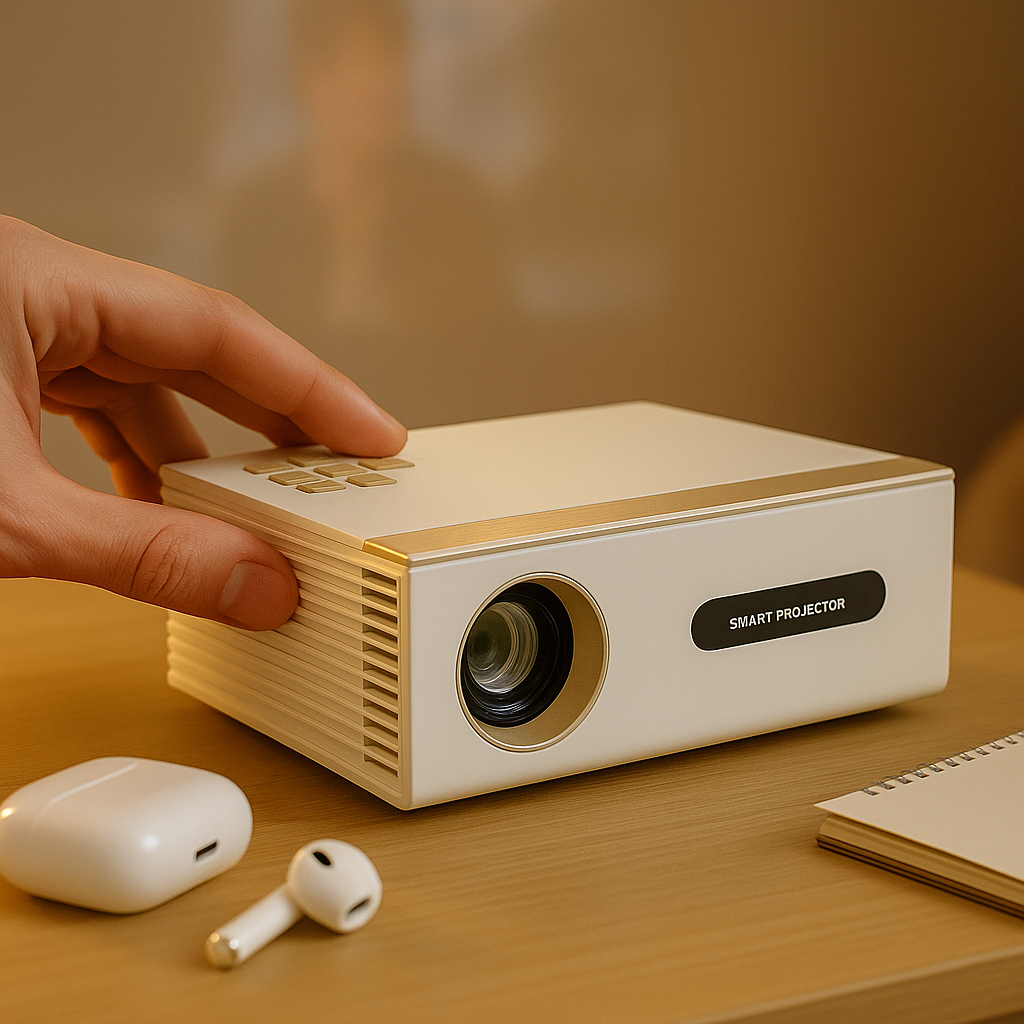
If people move between rooms, visit clients, or run pop-up training sessions, portability becomes a major advantage. A compact projector with wireless casting and battery capability can remove a lot of friction. No hunting for power outlets. No dragging long HDMI cables across the floor. No dependence on a room that may or may not be properly equipped.
But portable does not mean compromise by default. A good portable office projector still needs enough brightness and enough image discipline to keep business content readable. This is where cheap mini projectors usually fail. They are often sold on convenience, but in real offices they struggle with text, room light, and connection reliability.
For dedicated conference rooms, a more fixed setup may make better sense. If the projector stays in one place, you can optimize throw distance, screen size, and mounting for a cleaner result. That is especially helpful in rooms where repeatable performance matters more than mobility.
Wireless matters, but reliability matters more
Wireless projection sounds simple because it should be simple. In practice, some systems are quick and stable, while others turn every meeting into troubleshooting.
A good office projector should handle common workflows without making users think too hard. That may mean direct casting from laptops, compatibility with streaming or presentation dongles, or fast switching between presenters. The best setup is usually the one that works consistently for the least technical person in the room.
There is a trade-off here. Fully wireless convenience is great, but some teams still need the backup of a wired connection for high-stakes presentations. That is not old-fashioned. It is practical. If your sales team is pitching, or your leadership team is presenting quarterly numbers, redundancy is smart.
The screen is not optional if you care about results
Many office buyers spend all their budget on the projector and then point it at a beige wall. That undercuts the whole system.
A proper screen improves perceived brightness, contrast, and uniformity. In brighter offices, the right screen can make the difference between readable and washed out. If the room gets daytime light, this matters even more. The projector and screen should be treated as one viewing system, not two separate purchases.
Mounting matters too. A projector balanced on a rolling cart may be fine for occasional use, but it rarely gives the most repeatable image alignment. If the room is permanent, a stable mount and a screen sized for the actual seating layout create a much better experience for everyone in the room.
How to narrow your choice without getting lost in specs
Start with the room, not the projector. Ask how much ambient light you can control, how large the image needs to be, and whether the projector will travel or stay installed. Then think about content. If your team mostly shows slides with large visuals, your needs are different from a finance team presenting dense spreadsheets.
After that, look at three non-negotiables: real brightness for your room, clear readable text, and easy setup for your least technical user. Everything else comes after. Battery power, smart features, compact size, and audio are useful, but they should not distract from the basics.
This is also where a specialized retailer has an advantage over a giant marketplace. You want recommendations built around use cases, not just price filters. At INNOVATIVE Projectors, that is exactly how office and presentation models are framed - around bright-room performance, portability, wireless convenience, and tested text clarity rather than inflated promise numbers.
So what is the best office projector for presentations?
The honest answer is that there is no single best model for every office. There is the best fit for your room, your content, and your workflow.
If you present in bright rooms, prioritize genuine brightness and a screen that supports daytime visibility. If your team moves between spaces, prioritize portability and fast wireless setup without giving up readable Full HD detail. If you are equipping a dedicated conference room, focus on a stable install, repeatable alignment, and sharp text from edge to edge.
The bad buys usually have one thing in common: they were chosen from a spec sheet alone. The good ones are chosen by asking what the audience needs to see clearly, how quickly the presenter needs to get started, and what the room will actually look like on a normal Tuesday afternoon.
Buy for that reality, and your projector becomes part of the meeting instead of the reason it starts late.